Bring your own music
The files you’ve collected. The albums you know by heart. Give them a home that feels like yours.
 sonra
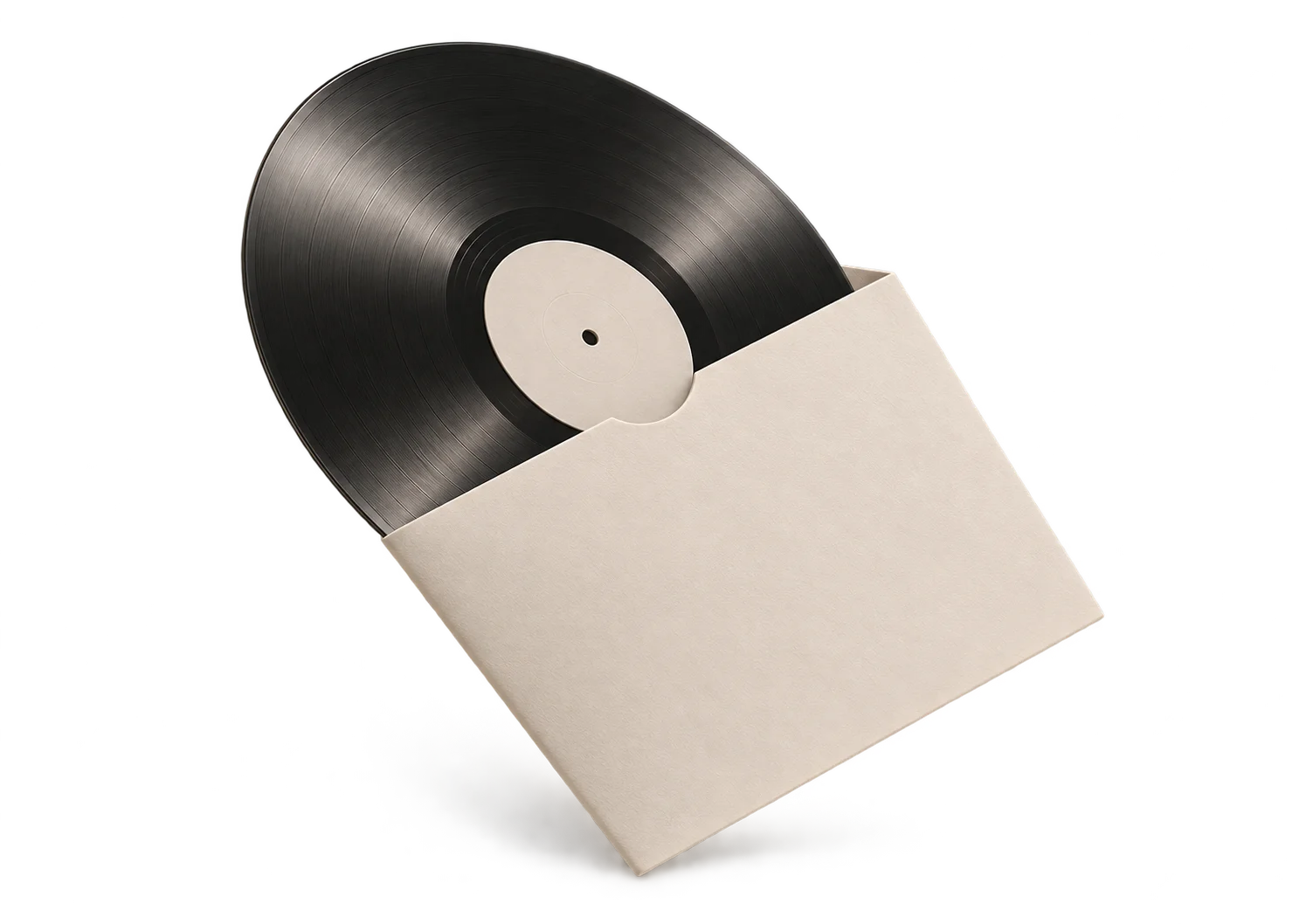
A home for the music you own. Import your collection, find an old favorite, and take it all offline.
Free for iPhone · Download link coming soon
The albums you love. The tracks you forgot.
All together, wherever you go.
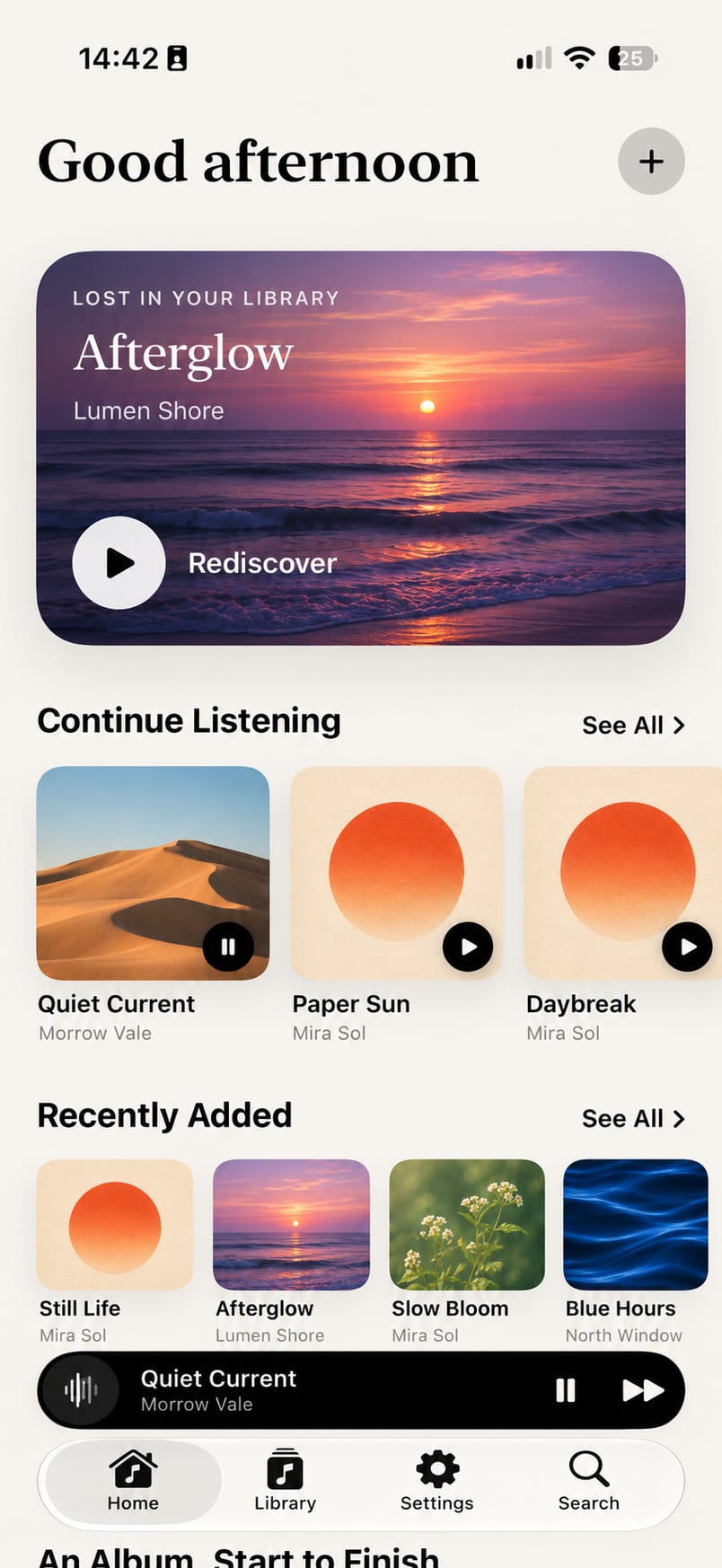
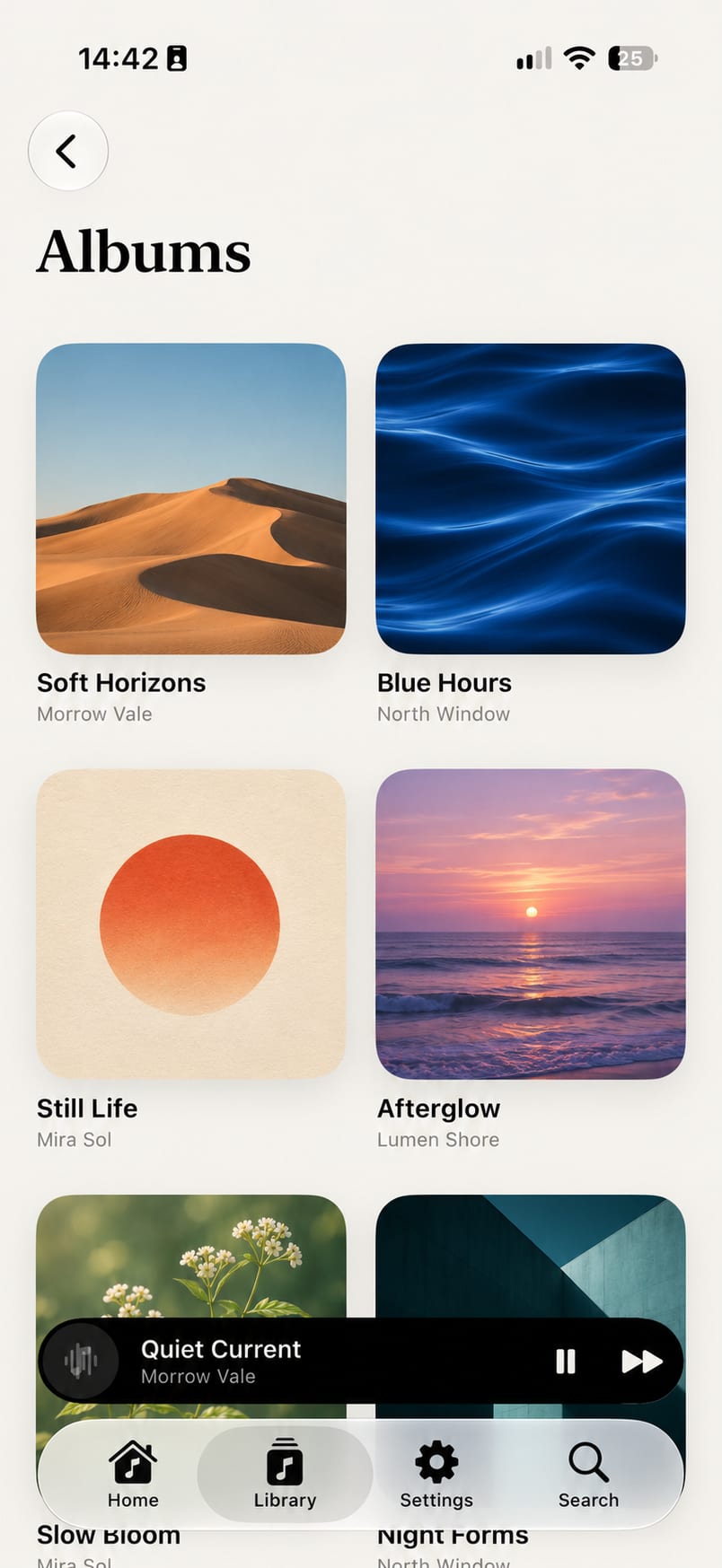
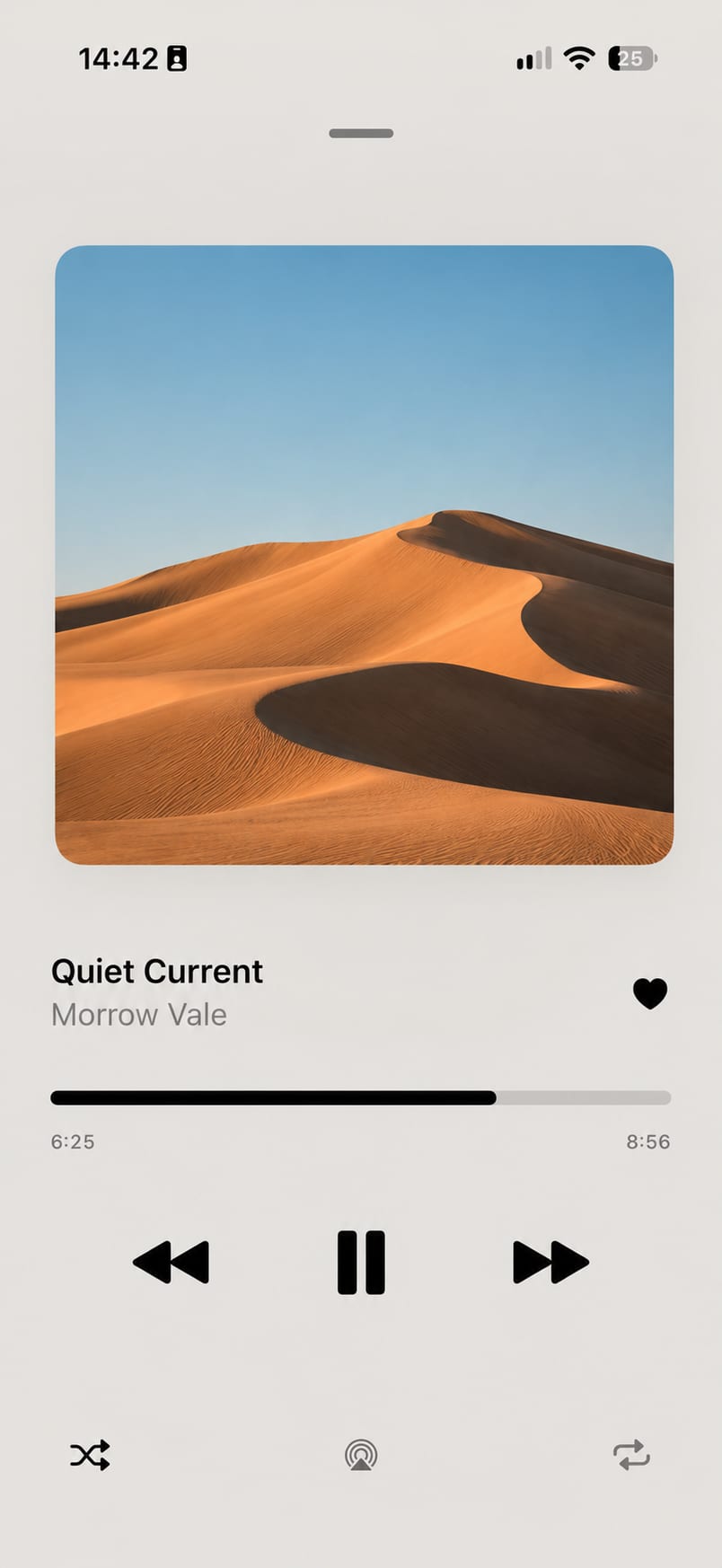
The files you’ve collected. The albums you know by heart. Give them a home that feels like yours.
Once imported, your music stays with you. Press play on a flight, on a walk, or wherever the day takes you.
Find a forgotten favorite, revisit an album, or get lost in your collection all over again.
From your files to your favorite tracks.
Open the app on your iPhone and choose Import Songs.
Select audio files in the Files picker. Sonra makes a local copy for your library.
Browse your albums, build a playlist, and press play. Your music is ready to go offline.
Choose Import Songs in Sonra, then select audio files in the Files picker. Sonra copies your selected music into its local library.
Yes. Once your files are imported, you can browse and play your collection without an internet connection. Files stored with a cloud provider may need to download before you can import them.
Yes, Sonra is currently free. If you’d like to support its development, you can use the optional Buy Me a Coffee link in the footer.
Sonra plays the music files you bring to it. It does not include a streaming catalog or download music from streaming services.
Free for iPhone · Download link coming soon